AI portrait generator: how to judge the portrait
Choose an AI portrait generator by likeness, source-photo quality and a clear visual brief, using four historical portraits as references.
Create your portrait from a photo. Choose a clear photograph, explore the available portrait styles and review the result before deciding what to keep.
An AI portrait generator is useful when it helps you make an image you recognise and want to keep. The number of possible effects is less important than the quality of the starting photograph, the clarity of the portrait direction and your ability to judge the result. A convincing portrait can change the atmosphere while preserving the features that make a person familiar.
The four historical portraits in this guide are references for composition and attention. They are not examples of Fable customer results, and their presence does not mean that a particular portrait treatment is available for each work. They help make the questions concrete: how much of the body should appear, where should the eyes look, and what should the setting contribute?
Begin with the custom portrait guide if you are still deciding what kind of image to make. Here the focus is on preparing a useful source and reviewing a portrait carefully, rather than chasing the largest possible menu of visual effects.
Start with a purpose you can describe
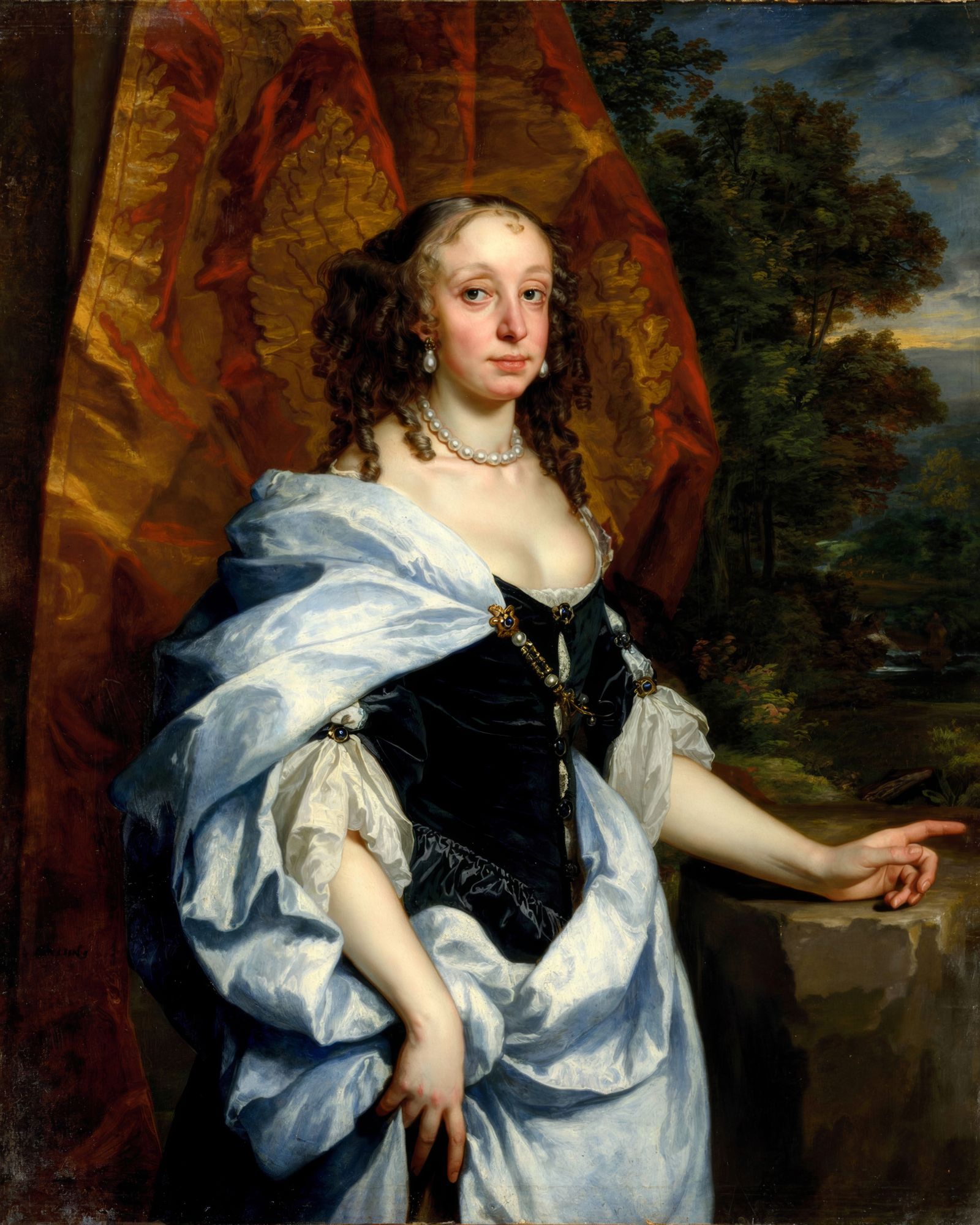
Portrait of Mrs. Leneve · Peter Lely, c. 1657 · Cleveland Museum of Art. Restored by Surrealium at Vaxholm Fortress, Sweden.
Before choosing a tool, write one sentence about what you want the portrait to do. A gift for a parent, a shared picture for a home and a private experiment may need different degrees of formality. A clear purpose makes it easier to decide whether a dramatic costume, an elaborate setting or a restrained close view belongs in the image.
Lely’s Portrait of Mrs Leneve offers a useful first reference. The face is only one part of a larger arrangement of blue fabric, a resting hand and landscape. If what attracts you is the balance between the figure and the setting, say that. Asking for every visible detail at once can obscure the simpler aim. Keep the brief centred on the person, with two or three visual priorities that you can actually assess when you see a result.
Choose a source photograph with usable information
Look at the photograph at a comfortable enlarged size before submitting it. Are the eyes clear? Can you distinguish the edges of the face from the background? Is an important feature hidden by hair, a hand or a strong shadow? A photograph may be emotionally valuable while still supplying limited visual information for a portrait.
Prefer a source that shows the person as they want to be remembered. Avoid assuming that the most polished social-media image is automatically the best reference, particularly if filters have changed facial proportions. For a gift, it can be sensible to ask which photograph the recipient likes. That conversation is part of making a personal object, and it may save more uncertainty than a long list of instructions about features that are barely visible in the original.
Separate likeness from the surrounding treatment
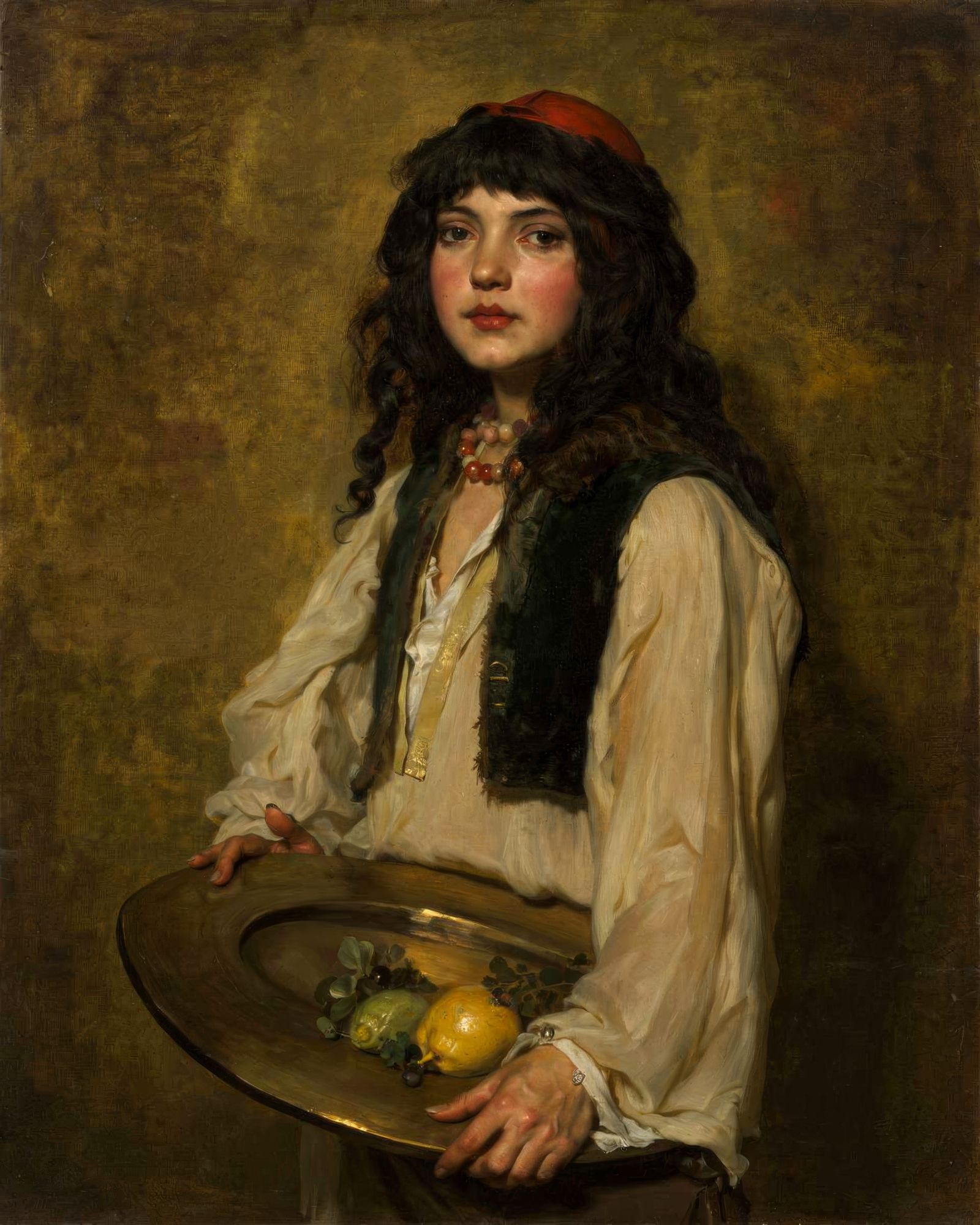
The Venetian Girl · Frank Duveneck, c. 1880 · Cleveland Museum of Art. Restored by Surrealium at Vaxholm Fortress, Sweden.
Duveneck’s Venetian Girl holds a shallow tray with fruit, while the face and dark hair remain distinct against the warm background. The object gives the hands something to do, but it does not replace the face as the main point of recognition. The painting is useful because it lets you consider those roles separately.
When reviewing an AI portrait, first assess the person without giving extra credit for attractive clothing or colour. Then consider whether the surrounding treatment supports the likeness. A beautiful background cannot resolve a face that no longer feels familiar. Our guide to checking an AI portrait’s likeness develops that review in more detail. Keep a note of the few features that matter most to you, using plain descriptions rather than asking the tool to make the person generically more glamorous.
Make the composition manageable
A close view gives the face more of the image, while a full-length portrait must also resolve posture, hands, clothing and the relationship to a setting. Neither is inherently better. The useful choice depends on the source photograph and on what the finished portrait should communicate.
If the photograph cuts off the lower body, be clear about whether you actually need a full-length result. Every requested addition creates another part of the image to review. The same applies to objects held in the hands, small lettering and complicated accessories. Reduce the brief to the elements that carry the memory. You can still enjoy a richly composed historical painting as inspiration while choosing a simpler portrait direction that gives a familiar face and gesture enough room to remain convincing.
Give the setting a reason to be there
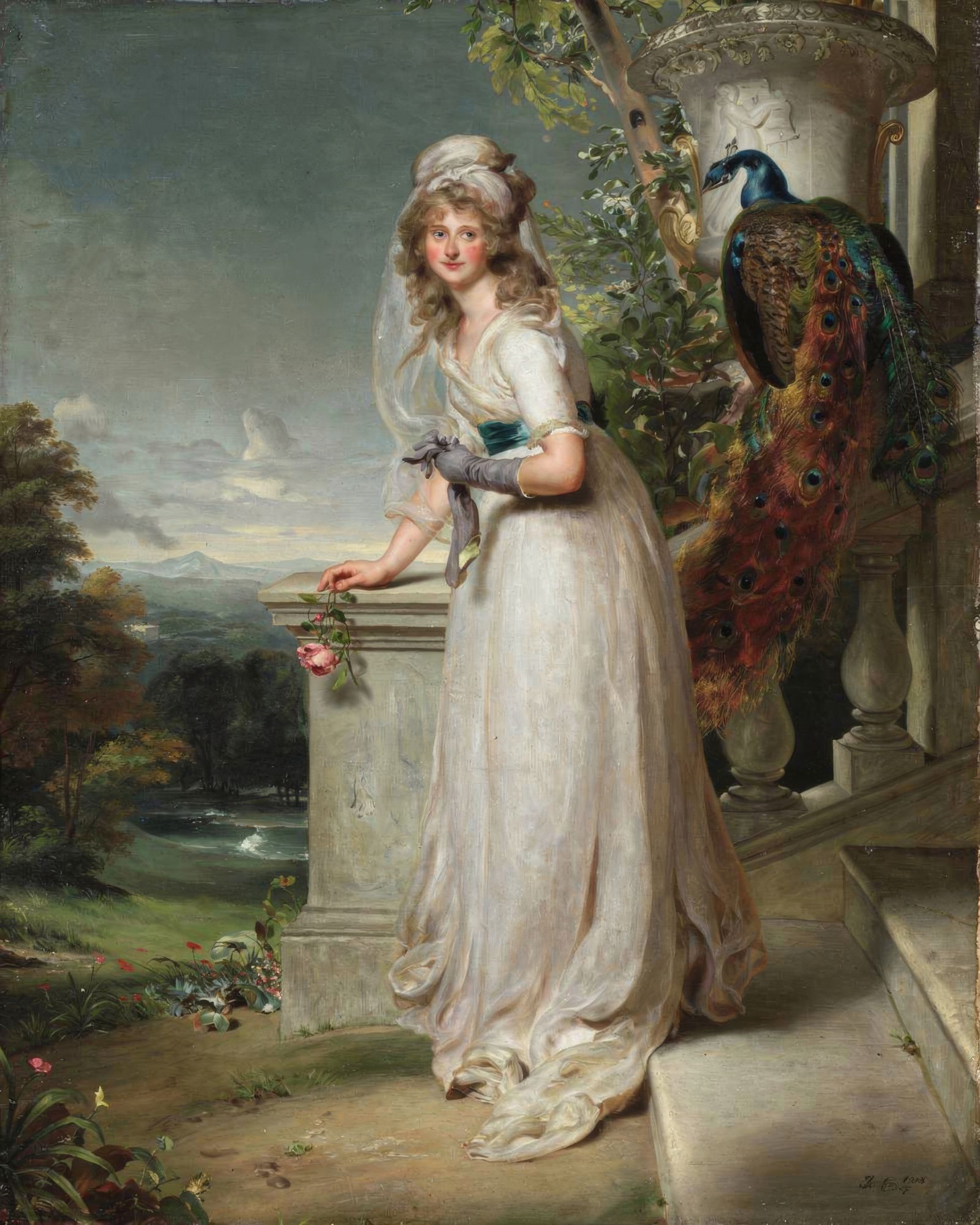
Portrait of Catherine Grey, Lady Manners · Thomas Lawrence, 1794 · Cleveland Museum of Art. Restored by Surrealium at Vaxholm Fortress, Sweden.
Lawrence’s portrait of Catherine Grey places the sitter beside architectural elements and a peacock, with a landscape stretching behind her. The surroundings create a particular kind of formal presence. They also demonstrate how much a setting can influence the way a portrait is read, even before a viewer knows the sitter’s identity.
For your own portrait, decide whether the background should suggest a place you know, provide a quiet colour field or support a more theatrical mood. Avoid treating historical status symbols as neutral decoration if they do not suit the person. A personal image does not become more meaningful simply by adding more signs of grandeur. The portrait style collection can help you explore directions, but judge each choice by its own reference and current description rather than assuming that any historical work shown here is a selectable style.
Review hands, edges and relationships
Once the face feels right, move through the rest of the portrait deliberately. Check where fingers meet an object, where hair meets clothing and where a shoulder or arm changes direction. Look at jewellery, spectacles and other recognisable accessories, especially if they contribute to the person’s identity. A quick first impression may be positive while smaller relationships still feel uncertain.
Use the original photograph as a reference, not as a demand that every mark remain unchanged. A portrait treatment may simplify texture or alter lighting while keeping the person recognisable. The question is whether the changes serve the intended image. If something feels wrong, describe the visible issue precisely: an unfamiliar eye shape, a hand that seems to merge with a sleeve, or a background object that distracts from the face.
Leave room for character rather than perfection
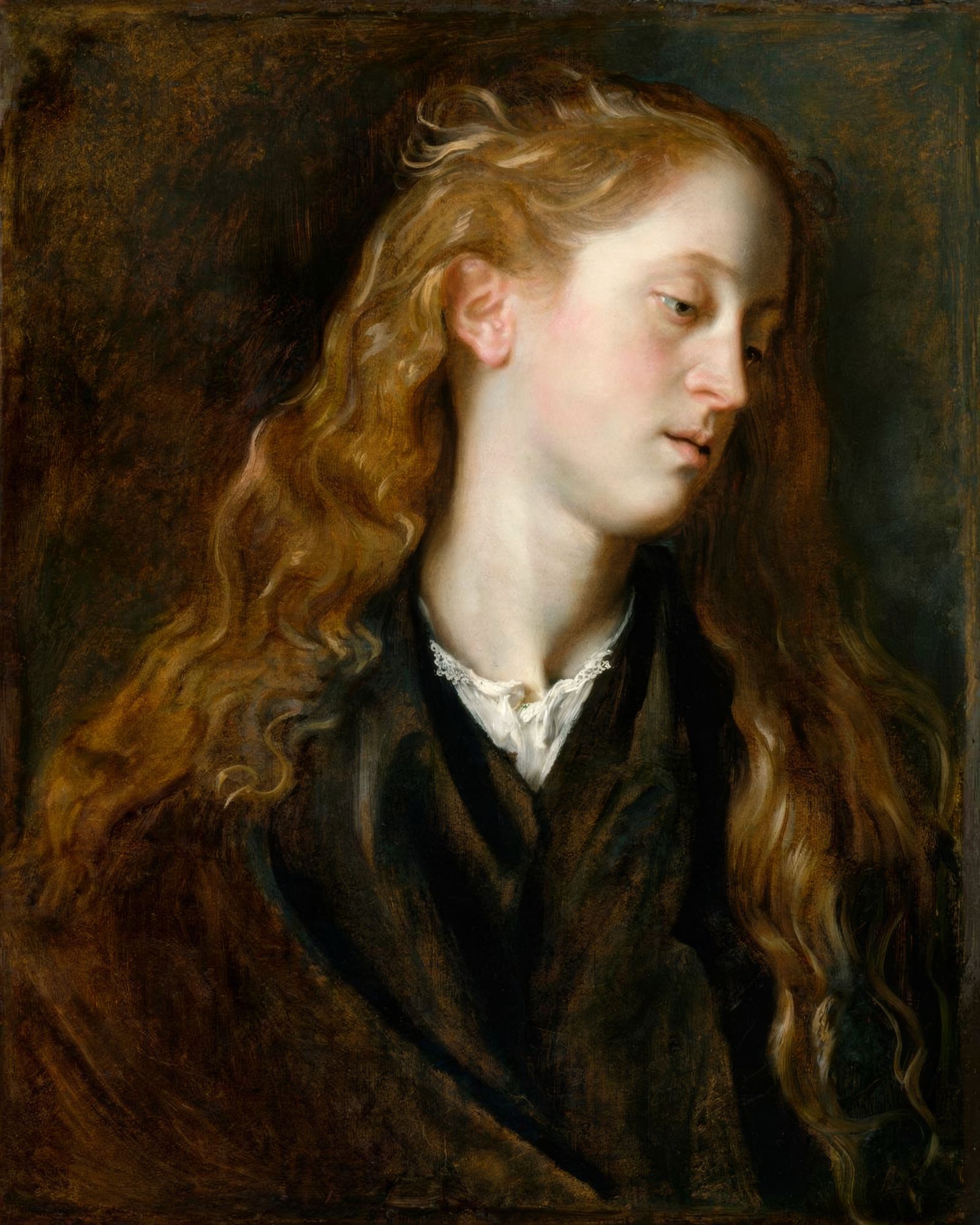
Study Head of a Young Woman · Anthony van Dyck, ca. 1618–20 · The Metropolitan Museum of Art, New York. Restored by Surrealium at Vaxholm Fortress, Sweden.
Van Dyck’s study head of a young woman turns the face to the side, with loose hair and a limited surrounding setting. The image does not need a complete narrative or a catalogue of possessions to hold attention. Its particular turn and expression are enough to establish a presence.
That is a useful final test for a generated portrait. Does the person still have an individual expression, or has the result smoothed every feature towards a generic ideal? A familiar asymmetry or habitual way of holding the head may matter more than a polished surface. Compare the historical study head with the more elaborate portraits above, and decide which degree of simplicity would let your own subject remain most clearly themselves.
Choose the process as well as the image
A portrait tool and a traditional commission are different ways of working, and the best fit depends on the kind of involvement you want. If an artist’s personal interpretation, ongoing conversation or a particular physical medium is central to the project, consider those needs directly. If you want to explore a portrait from a photograph within Fable, keep the source and review criteria clear from the beginning.
The comparison of AI portraits and traditional commissions offers another way to frame that decision. Whatever process you choose, use photographs you are entitled to share and respect the subject’s preferences. A successful portrait is not simply an image that a tool can produce; it is one whose likeness, treatment and purpose you can explain without relying on vague claims about realism.
Choose one source photograph, a short visual brief and a small set of review priorities. Keep the face at the centre of the decision, then consider posture, hands and setting in turn. Historical portraits can sharpen your eye, but the person in your photograph supplies the reason for making the new image. Begin when you can describe both what should remain recognisable and what kind of atmosphere you would like the portrait to have.
- What is the most important feature of an AI portrait generator?
- For a personal portrait, judge whether the process helps you preserve a recognisable likeness and review the result clearly. A large number of effects is less useful if the source photograph or portrait direction is uncertain.
- Can I use a blurry photograph?
- A blurry photograph may hide features you want the portrait to preserve. Choose a clearer alternative when possible, particularly around the eyes, mouth and edges of the face.
- Are the historical portraits shown here AI results?
- No. They are historical artworks from Fable’s catalogue, used as references for composition and attention. They are not customer examples or promises of an identical portrait result.